Paste output from ChatGPT, Claude, or Copilot and get a .docx built on your company's template — cover page, headers, footers, and styles intact, with {client}, {date}, and every other placeholder filled in.
Quick conversions are free in the browser. No upload. No account.
Windows app: $19.99 one-time · 15-day free trial · then free basic conversion — no lockout
Windows app · Word templates
Point MarkdownWord at the .docx or .dotx your organization already uses. The cover page, headers, footers, and styles stay exactly as designed. Your Markdown flows into the body, and {placeholders} anywhere in the template are filled from the document's frontmatter or a quick dialog.
1 · Markdown from your AI tool
--- client: Harbor & Pine Logistics project: Warehouse automation date: October 5, 2026 --- # Executive summary Throughput rose 18% after the pilot. Three findings stand out: - Pick errors fell by half - Night shift needs one less lift - Payback in under 14 months
2 · Your Word template
Proposal
{project}
Prepared for {client}
{date}
3 · Finished Word document
Proposal
Warehouse automation
Prepared for Harbor & Pine Logistics
October 5, 2026
Executive summary
Cover page, headers, footers, text boxes, and page layout come straight from your template. The content lands in the body and uses the template's own Heading and Normal styles.
Put {client}, {date}, or any {key} anywhere in the template. Values come from frontmatter or a dialog — always ask, ask only for missing values, or never ask. Anything missing is flagged after export.
Bulk convert runs a set of Markdown files through the same template. Enter shared values once, or file by file. Cancel, and nothing is saved.
Windows app · Custom style profiles
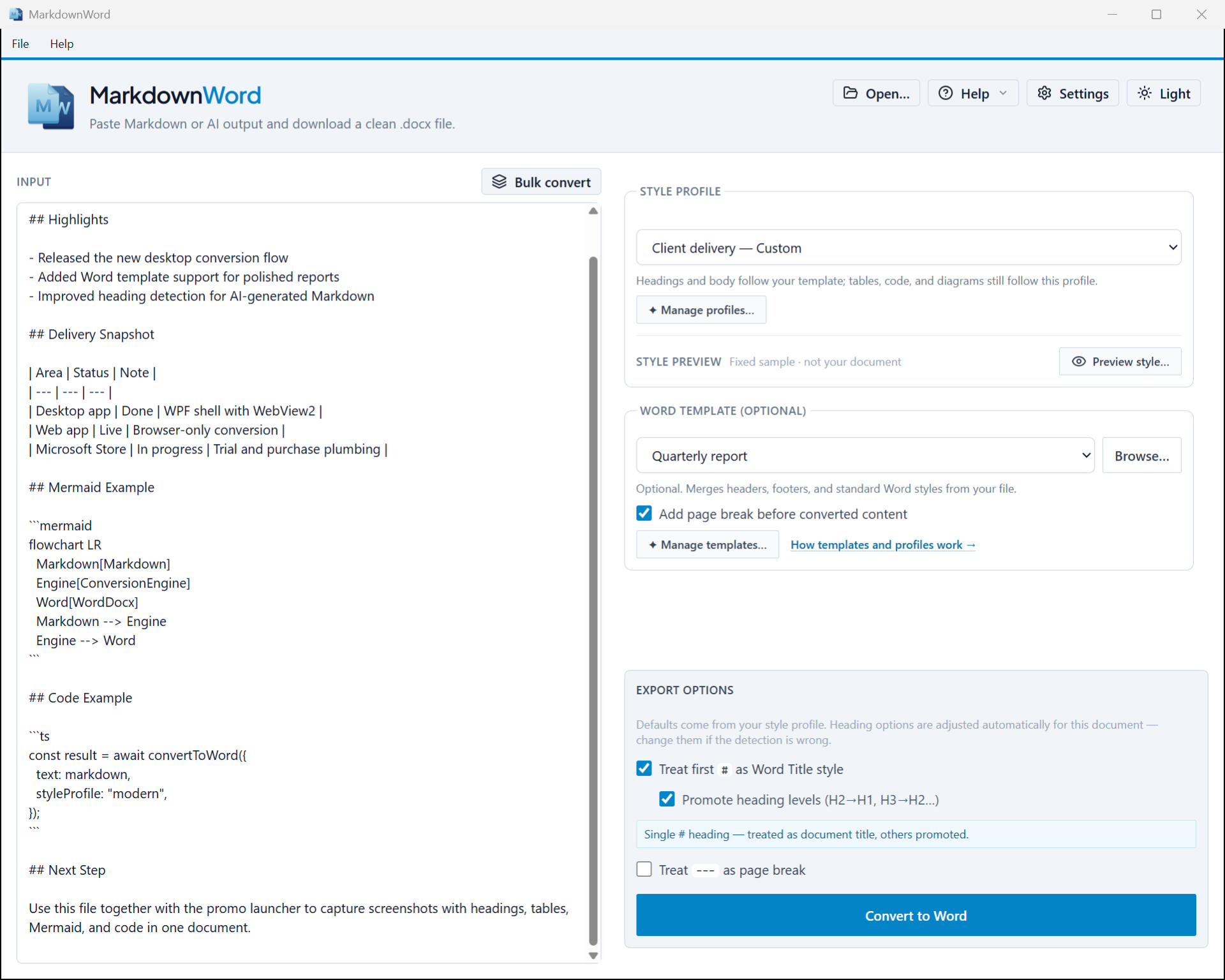
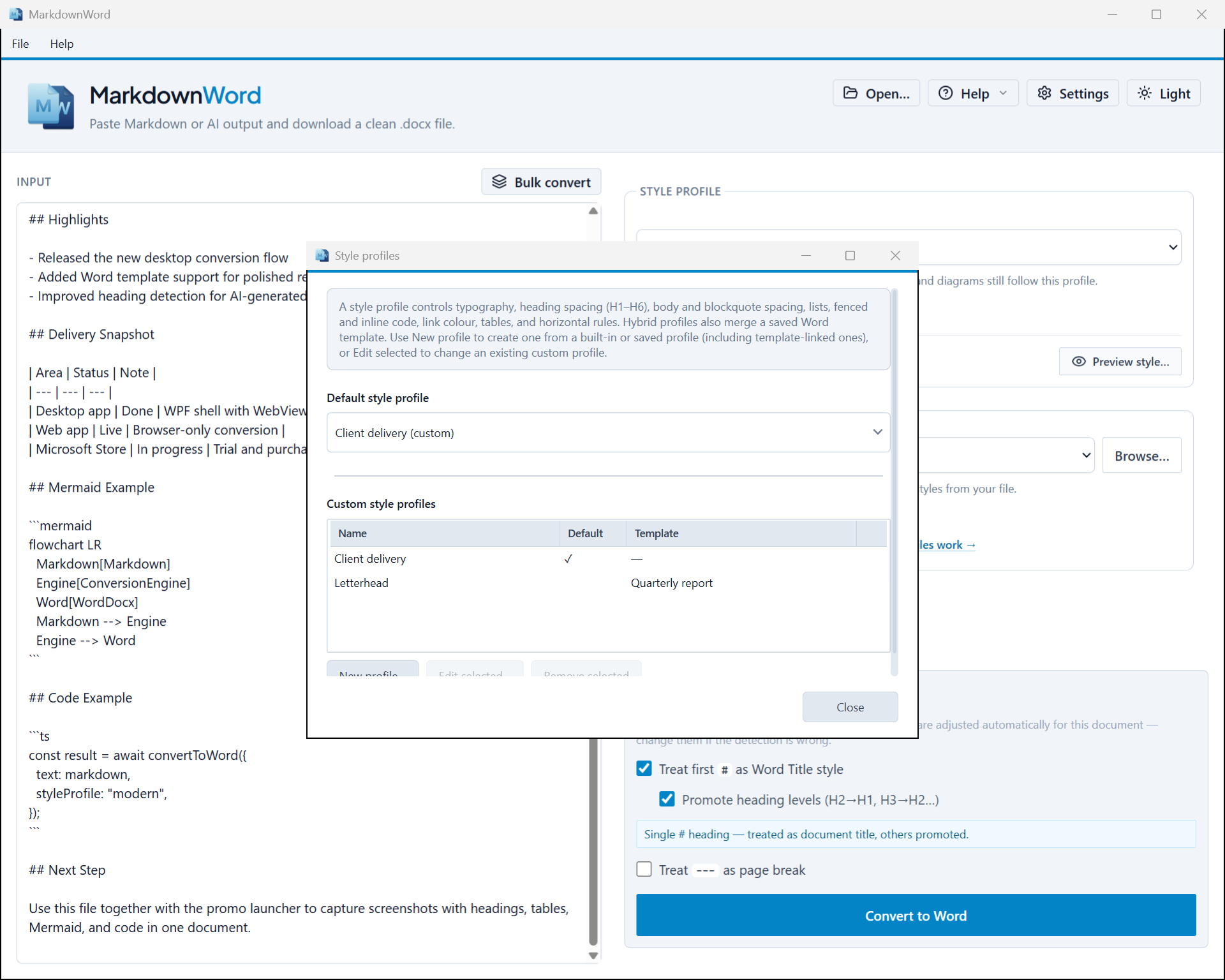
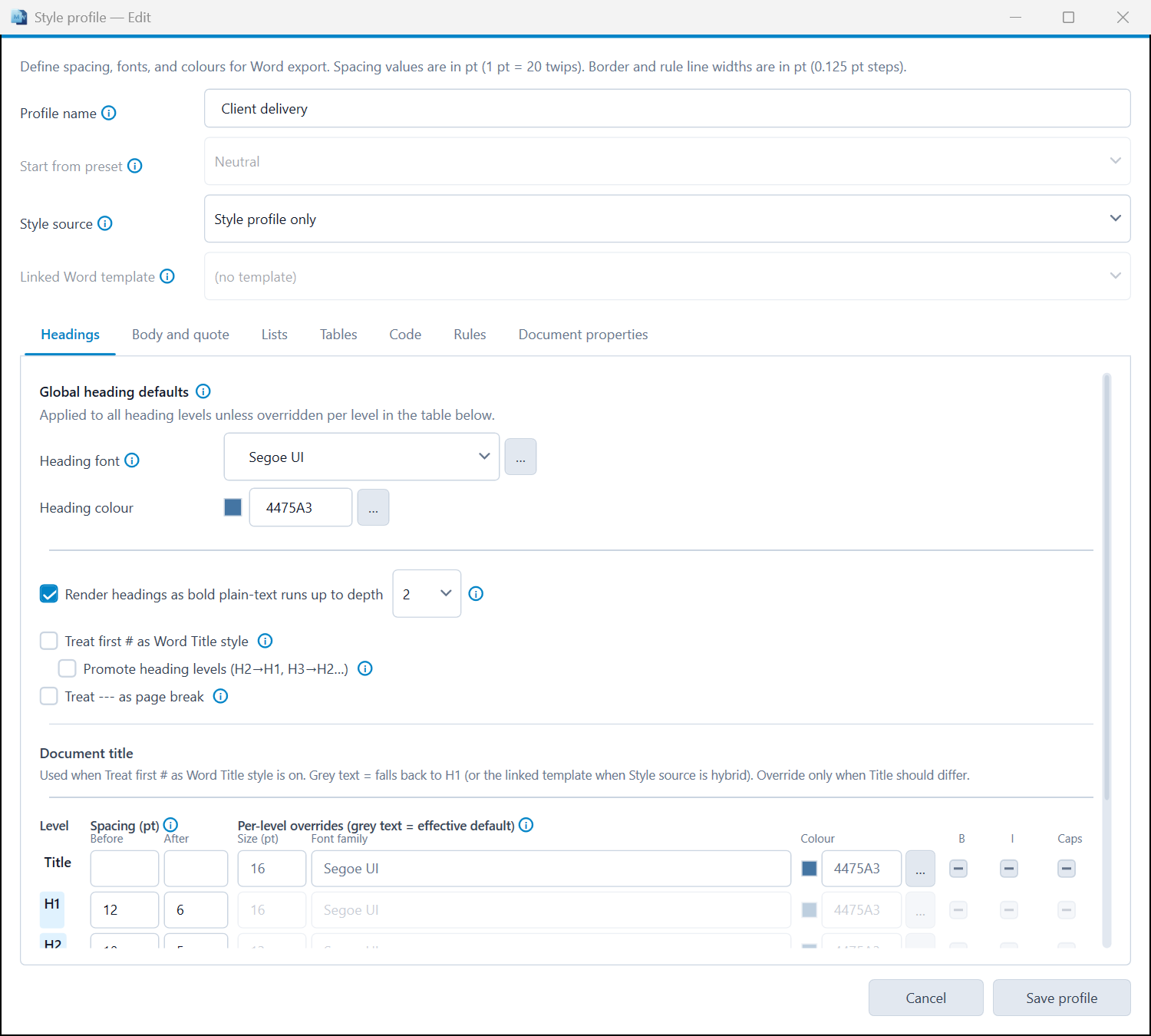
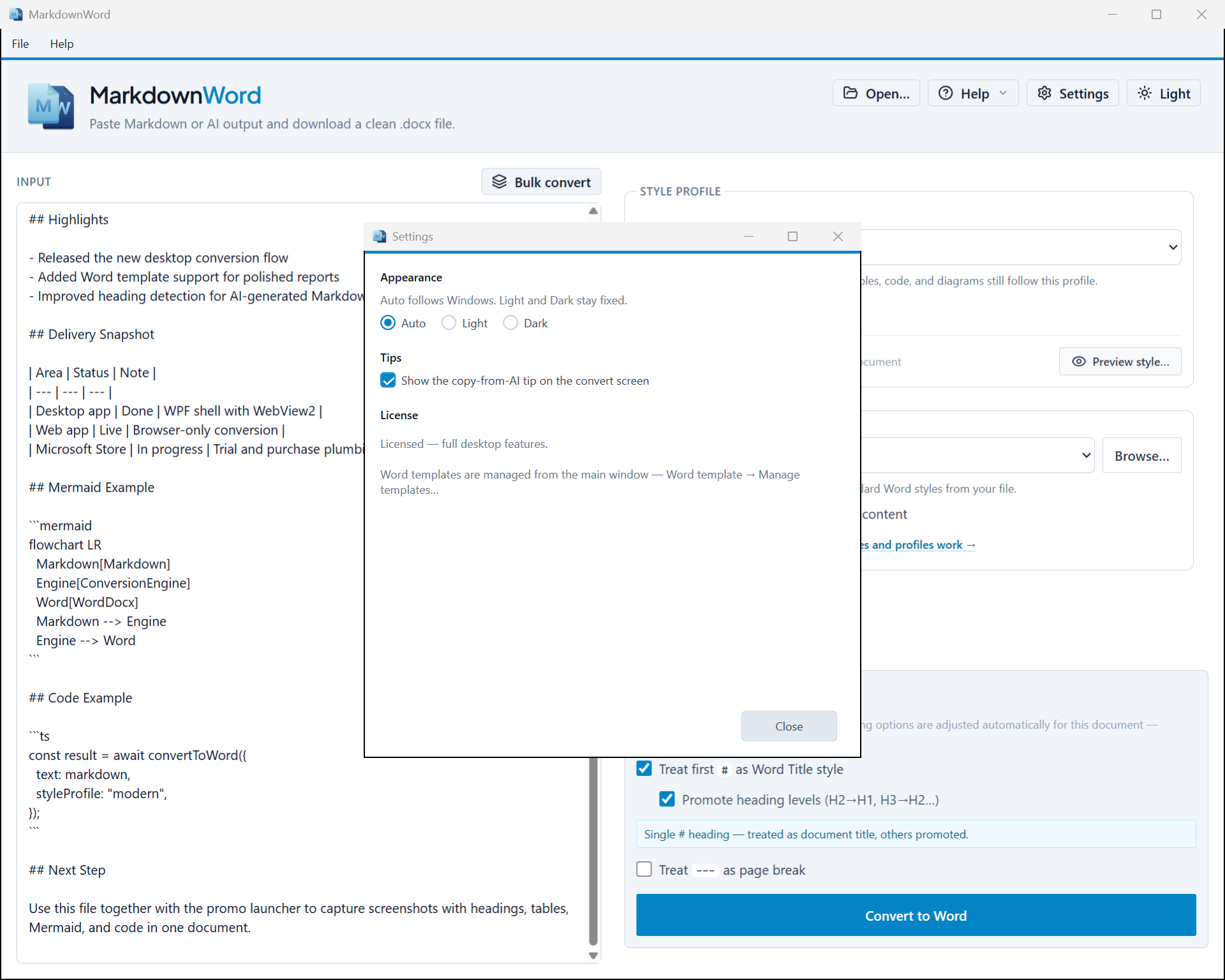
The built-in profiles get you started. In the Windows app you build your own — down to the color of a table border — and link a profile to a template so the right look is picked automatically. Sizes and spacing are in points, just like in Word.
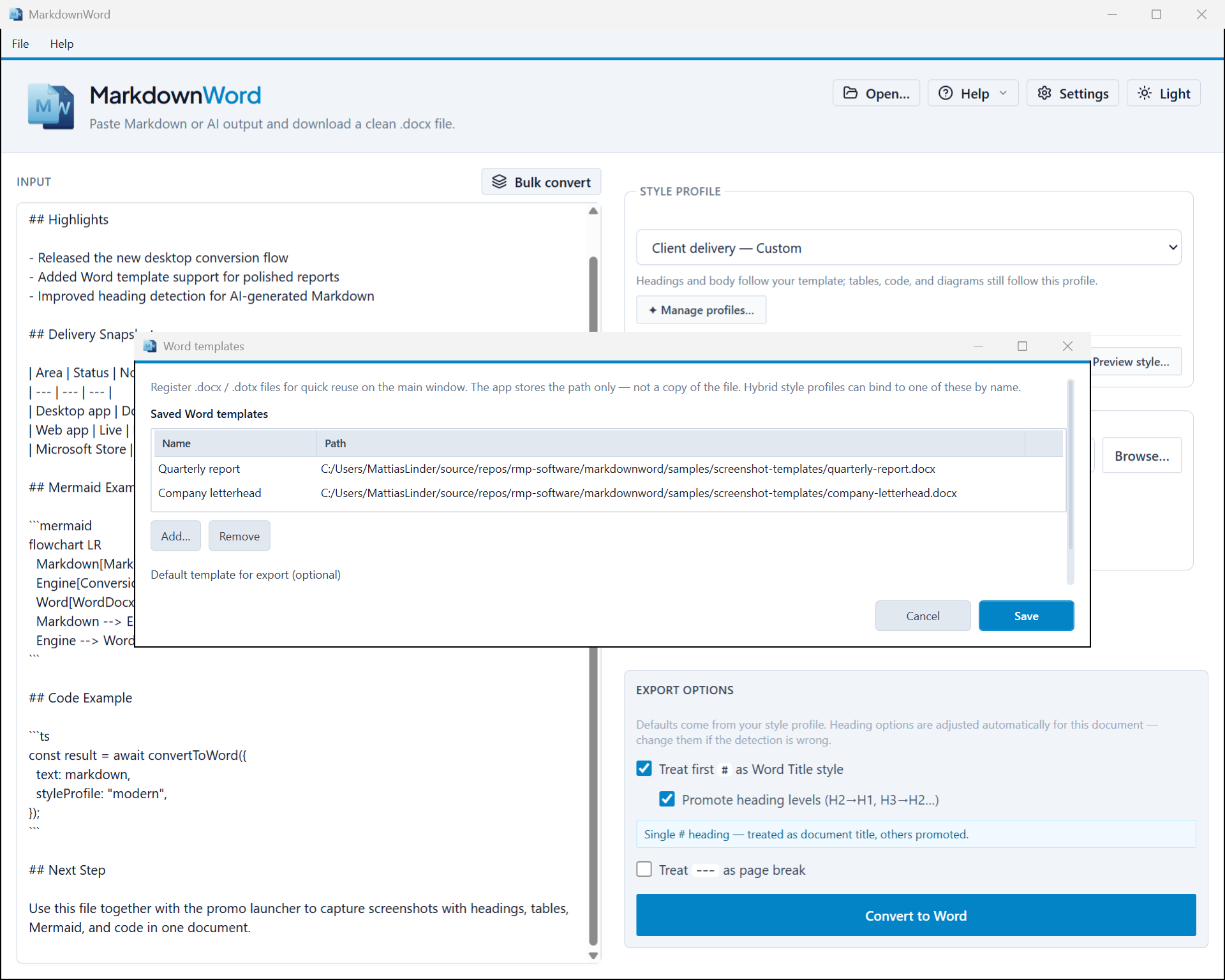
See the profile editor and template manager in the screenshots below.
What it does
Four capabilities covering the full markdown-to-Word workflow.
Your document never leaves your machine. All conversion runs in the browser
using the docx library —
zero network requests for your content.
Three built-in profiles — Word Classic, Report, and Modern. Control headings, fonts, and spacing. The Windows app lets you save your own profiles too.
Mermaid diagrams are rendered on your machine and embedded as images, and LaTeX math becomes Word equations — directly in your .docx. No copy-paste, no external tools.
Desktop appThe Windows app works without internet. Images, Mermaid, LaTeX math, PDF export, bulk convert, and Word template support included. A compact window that fits a laptop screen, with a progress bar that shows each step of the export. One-time purchase, no subscription.
WindowsHow it works
No configuration required. Sensible defaults out of the box.
Paste anything — a ChatGPT answer, a GitHub README, a file from Obsidian or VS Code. Any valid markdown works.
Pick a built-in profile — or, in the Windows app, your own profile or Word template. Headings, body text, and spacing are handled — no Word styles to wrestle with.
Click Convert. A properly formatted Word document downloads directly to your machine. Open it in Word, edit it, share it.
See it in action
A two-minute walkthrough of pasting markdown, picking a style, and exporting a Word document — desktop and web.
A closer look
Style profiles let you control heading fonts, body text, and spacing — save your own presets, register Word templates, and reuse them across every document.
Go deeper
Markdown is how AI communicates. These guides explain the format, its quirks, and how to get the most out of it.
The plain-text format behind almost every AI response. What it is, why it matters, and what "Markdown-aware" really means for your workflow.
Read on markdownheaven → GuideFlowcharts, sequence diagrams, Gantt charts — written as plain text, rendered as images. How Mermaid works and where it falls short.
Read on markdownheaven → GuideCopy from ChatGPT and you get broken tables, missing code fences, or garbled formatting. Here is why — and what you can do about it.
Read on markdownheaven →Pricing
The web app is free. The desktop app adds your own Word templates with placeholders, custom style profiles, Mermaid, LaTeX math, PDF export, offline use, and bulk convert — at a one-time price that pays for itself after a few Mermaid documents.
Web — Free
Always. No account required.
Desktop — Windows
One-time purchase. No subscription. 15-day free trial, then free basic conversion — no lockout.
| Feature | Web (Free) | Desktop ($19.99) 15-day free trial · free tier after |
|---|---|---|
| Markdown → .docx conversion | ||
| Built-in style profiles | ||
| Custom style profiles | — | |
| No upload — 100% client-side | ||
| Mermaid diagrams → Word images | — | |
| LaTeX math → Word equations | — | |
| Export to PDF | — | |
| Images in Word and PDF | — | |
| Paper size (A4 / Letter) | ||
| Bulk convert | — | |
| Your own Word template (.docx / .dotx) | — | |
| Template {placeholders} | — | |
| Offline use | — |
FAQ
Click the Copy button under the answer in ChatGPT, paste it into the MarkdownWord web app, pick a style, and click Convert. A .docx file downloads with real Word headings, lists, and tables. Selecting and copying the text by hand often drops headings and code blocks, so use the Copy button when you can.
Yes. MarkdownWord converts any Markdown, so output from Claude, Copilot, Gemini, or any other assistant that answers in Markdown works the same way. So do README files and notes from Obsidian or VS Code.
Yes. The web app at app.markdownword.com is free, with no account and no sign-up. It converts Markdown to .docx with the built-in style profiles.
No. The conversion runs in your browser, and the Windows app runs on your own machine. Your text is never sent to a server. If your Markdown links to images on the web, the Windows app downloads those images to put them in the document.
Yes. Tables become real Word tables, code blocks keep a monospace font, headings map to Word heading styles, and nested lists stay nested. Strikethrough and HTML tags such as underline, highlight, subscript, and superscript carry over too.
In the Windows app, yes. PNG, JPG, GIF, BMP, SVG, and WebP images are embedded in Word and PDF, whether the file sits next to your Markdown, uses an absolute path, or is a web link. The web app does not embed images yet.
Your own Word templates (.docx/.dotx) with {placeholders}, images in Word and PDF, custom style profiles, Mermaid diagrams, LaTeX math as Word equations, PDF export, bulk convert, and offline use. It costs $19.99 once, with a 15-day free trial. After the trial, basic conversion stays free.
Yes, in the Windows app. Add your .docx or .dotx template once. MarkdownWord merges the converted content into it and keeps the cover page, headers, footers, and styles. You can save several templates and set a default.
Write {key} anywhere in the template, for example {client} or {date} on the cover page or in the footer. MarkdownWord fills each one from the Markdown file's frontmatter or asks you in a dialog. You choose whether it always asks, asks only for missing values, or never asks. Bulk convert can ask once for all files.

Part of the family
markdownword solves one problem well. But the full workflow — capturing AI output, converting it, reading and writing markdown natively — is what markdownheaven.com is about.
Markdown tools for the AI age. The home for every tool in this family — and the place where the whole workflow makes sense together.
Preview and render Markdown files instantly — in the browser or as a Windows app. Drag and drop a file, or paste directly. Always free.
Turn Word, PDF, Excel, PowerPoint, HTML, and email files into clean markdown — ready for AI, version control, or any tool that understands plain text.